
Windows
x64 · Direct3D 11
Download .exe- Installs itself to your user folder, or one you choose.
- Offers to install Microsoft's C++ Build Tools if they're missing (a few GB).
- Unsigned, so SmartScreen may ask before it runs.
An unofficial native port of the 2004 Xbox classic for Windows, macOS, Linux and Steam Deck. This project is the definitive way to play this game.
Also available on RecompLauncher and Quiver
Bring your own game. You need your own supported USA Xbox disc image or extracted dump. PS2 and GameCube copies can't be used. The app contains no game files. Why?
What you get
Windows x64 on Direct3D 11. Apple Silicon Macs and x86-64 Linux on Vulkan. Steam Deck runs the Linux build natively.
Targets 60 frames per second with 1×–4× internal resolution. We're optimizing for low-powered hardware, and Steam Deck hits a steady 60 fps at 2×.
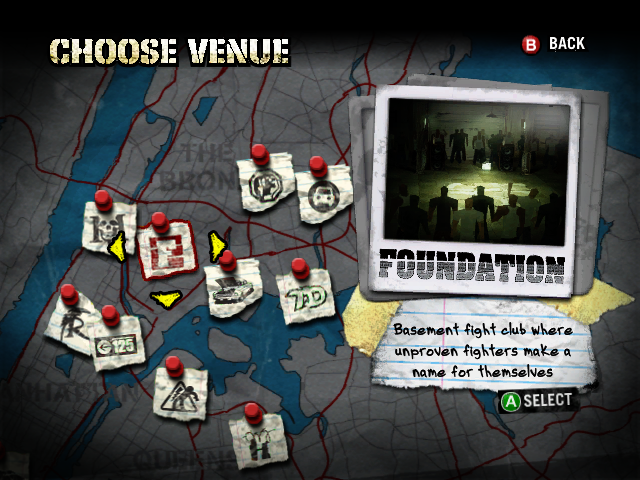
16:9, 16:10 and ultrawide. The HD Widescreen Menus mod redraws every menu and background to match, and original 4:3 is one setting away.
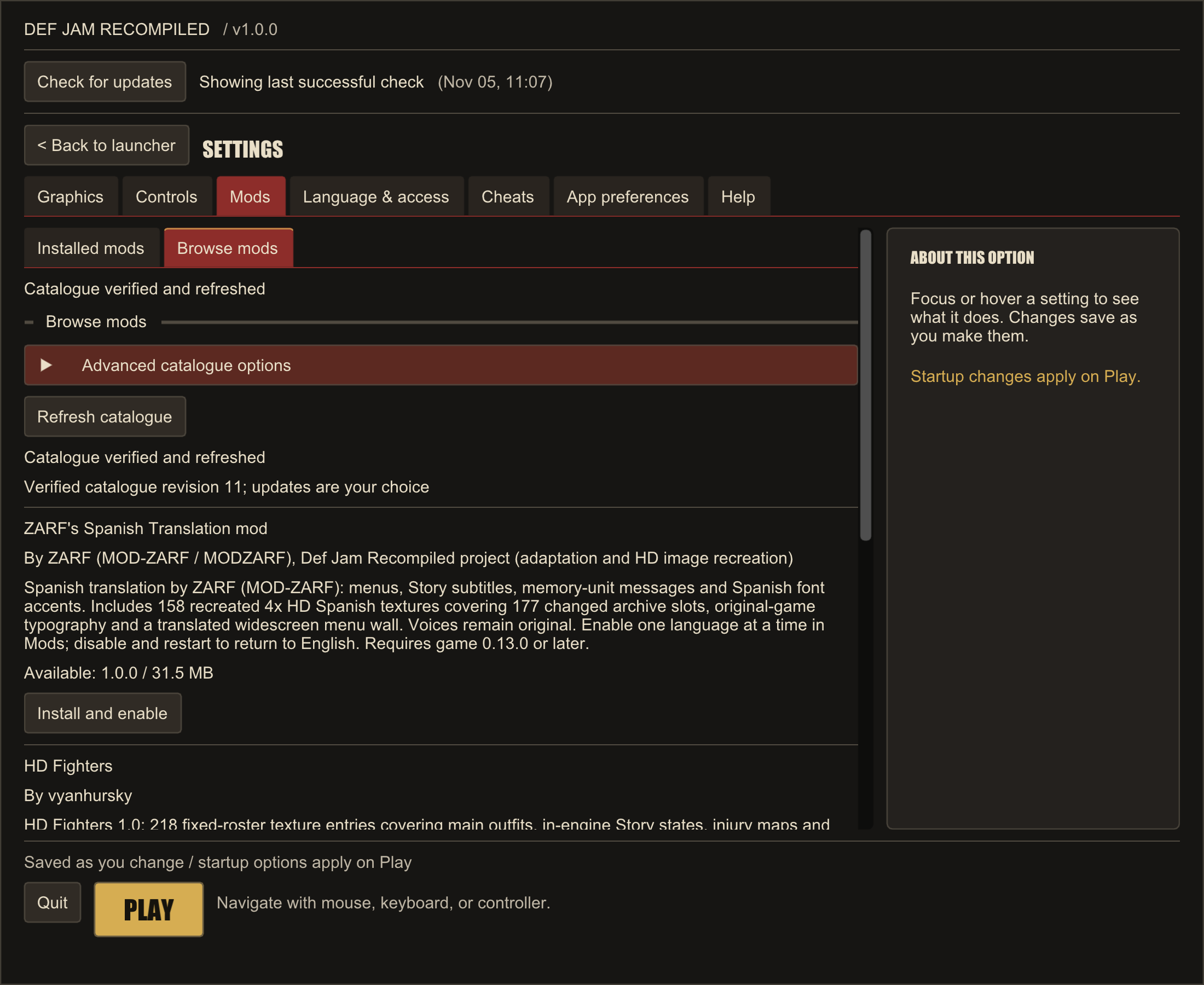
Translation mod support is here. Spanish and French are the first additional languages: ZARF's Spanish mod in the catalogue, and the disc's own French as a setting.
Texture and language mods are here, with a curated catalogue in the app. Custom fighters, music, stages and game modes are coming up on the roadmap.
Xbox, DualSense, Switch Pro and more, with remapping, hot-plug and rumble. Keyboard and mouse can carry gameplay bindings too.
Def Jam Recompiled sets up the game, then handles Play, settings, controls, mods, updates, repair and uninstall. There's nothing else to keep track of.
Infinite health, max Blazin', giant and tiny fighters, fighter swaps, Story cash and development points.
On Windows, Linux and Steam Deck, one button beside Play puts the game in your Steam library, artwork included.
Screens
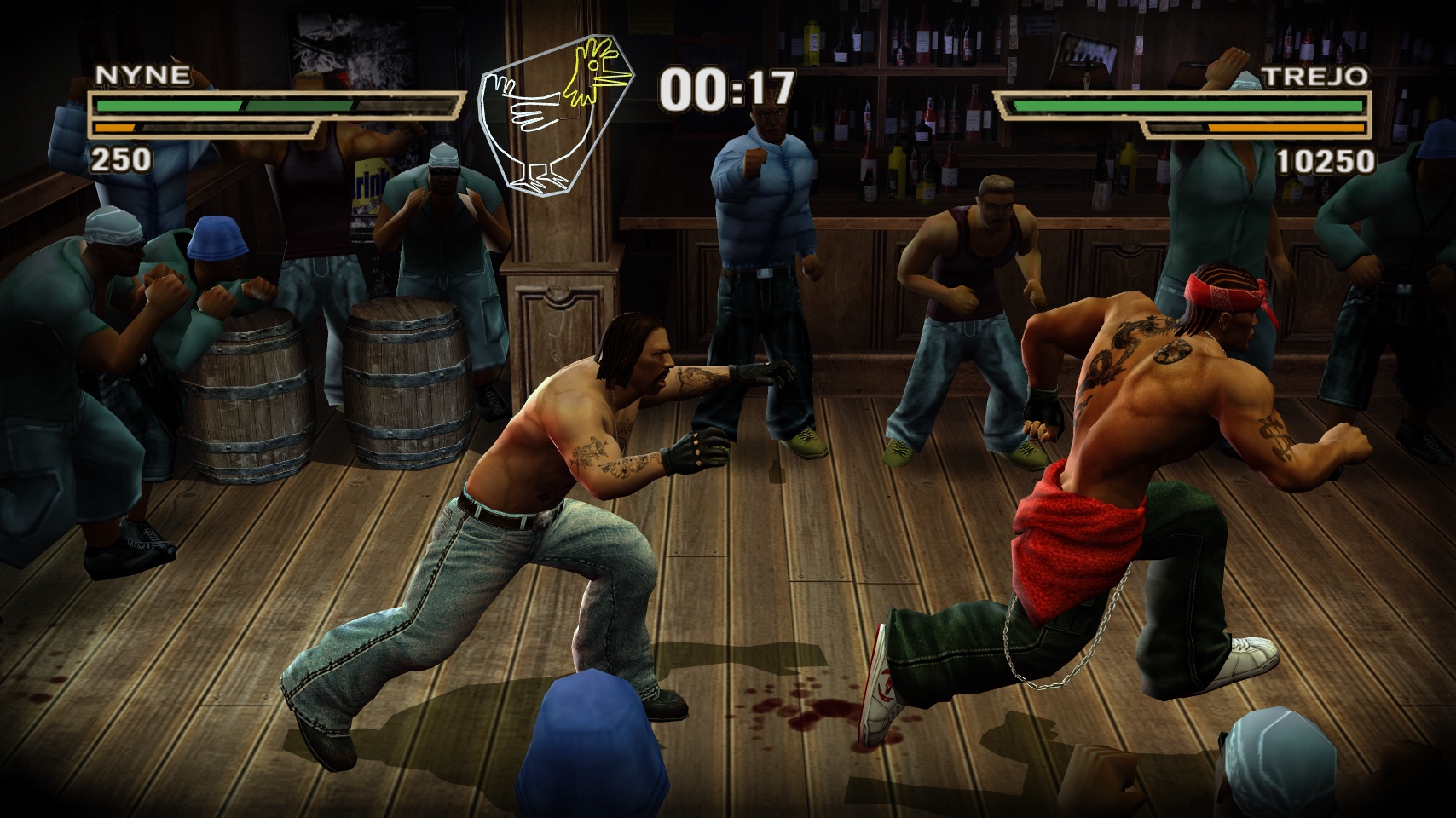
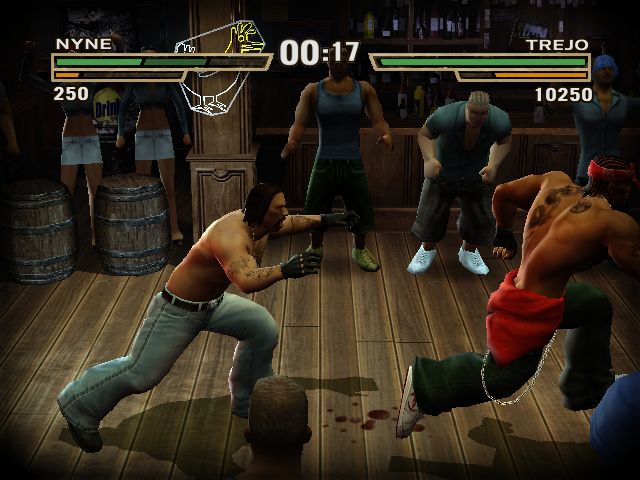
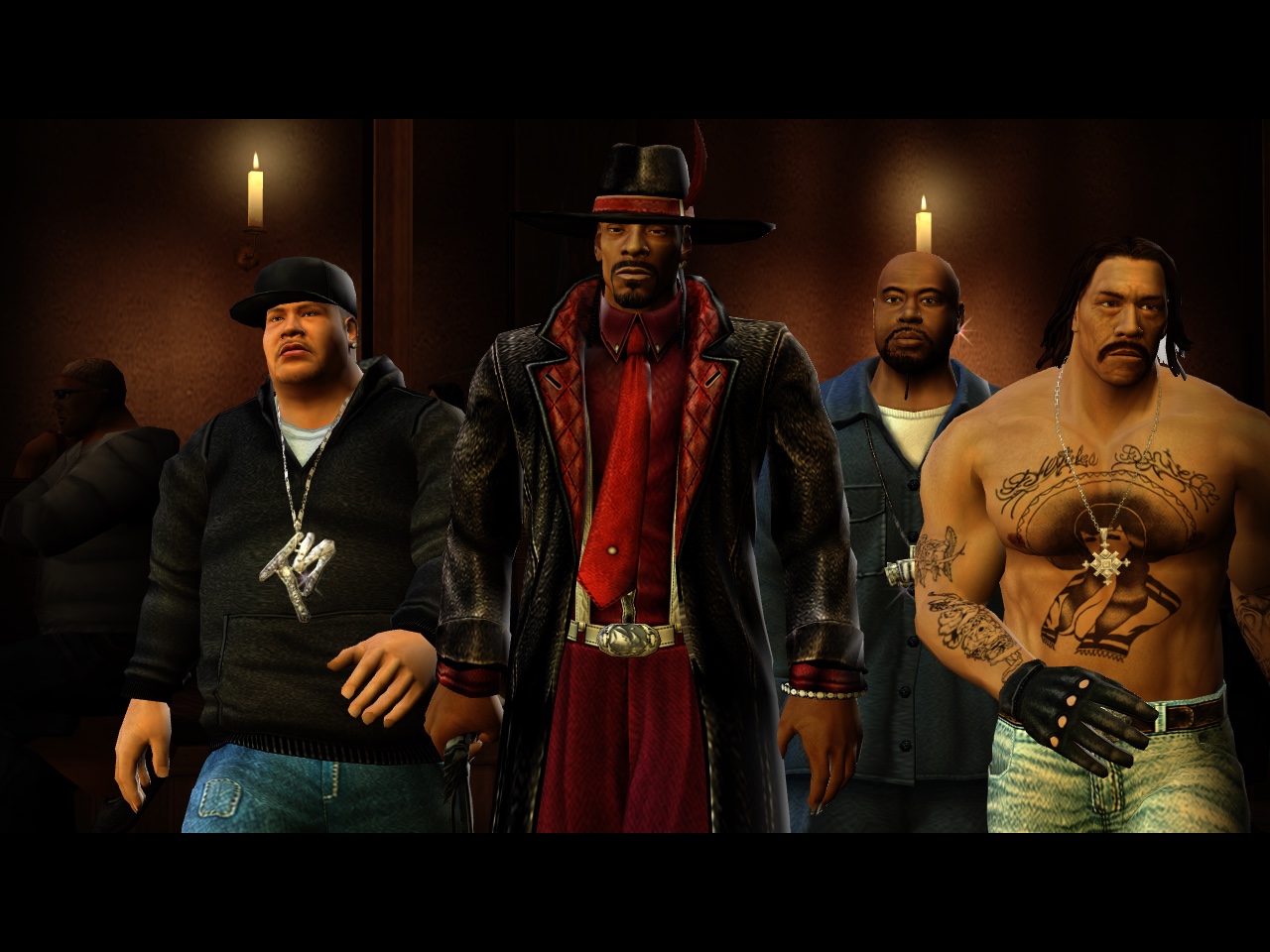
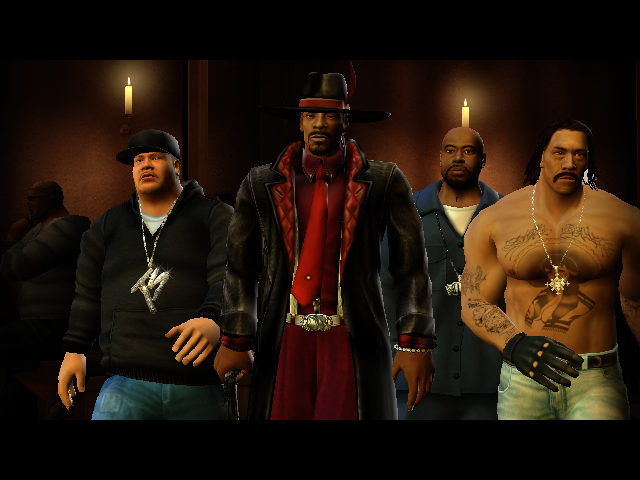
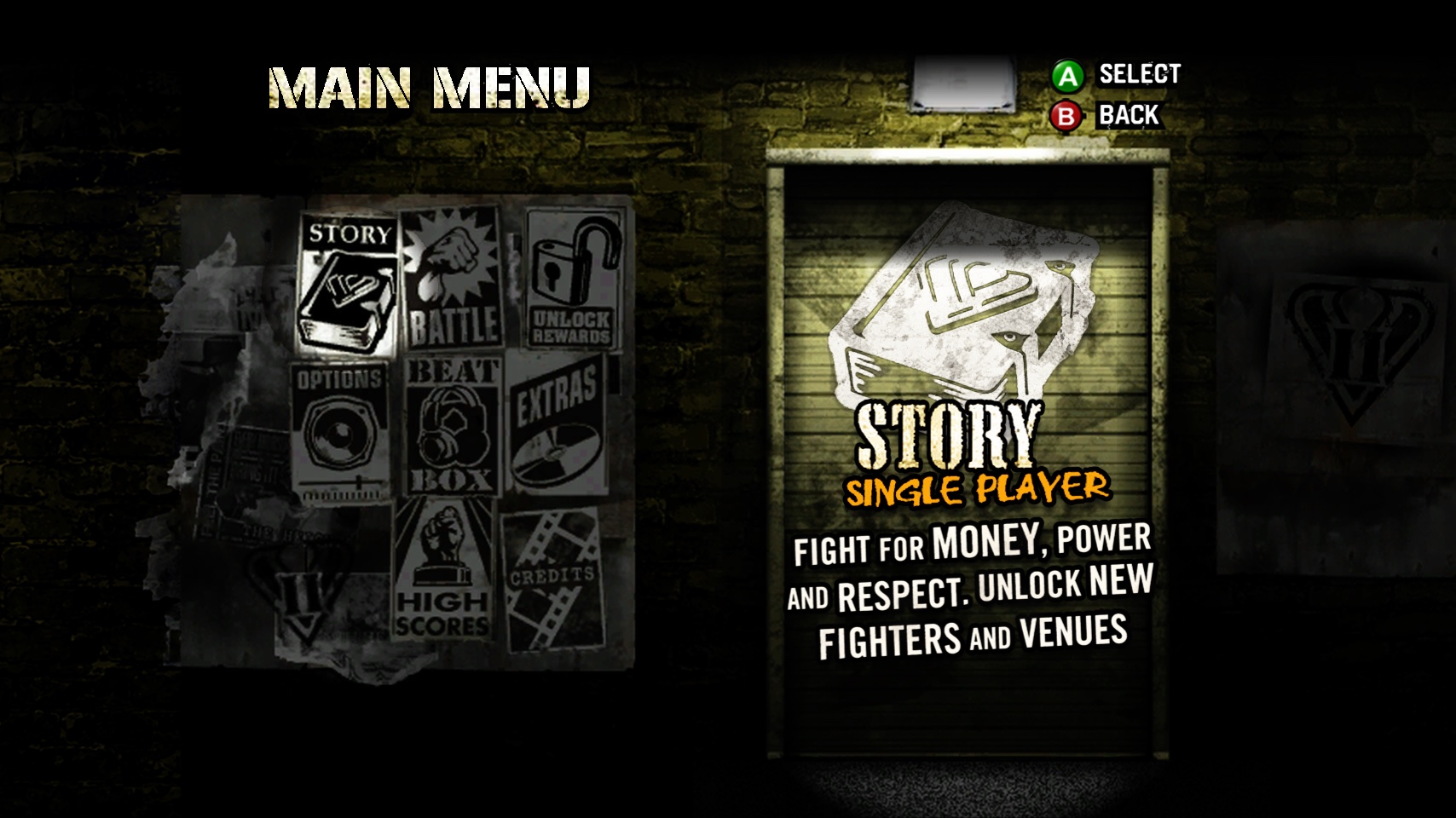
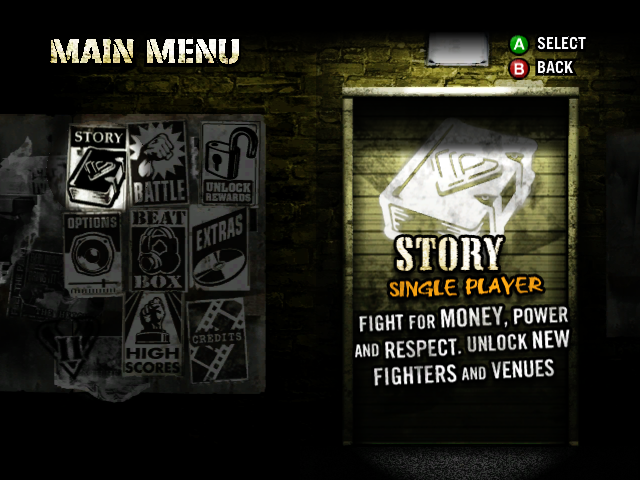
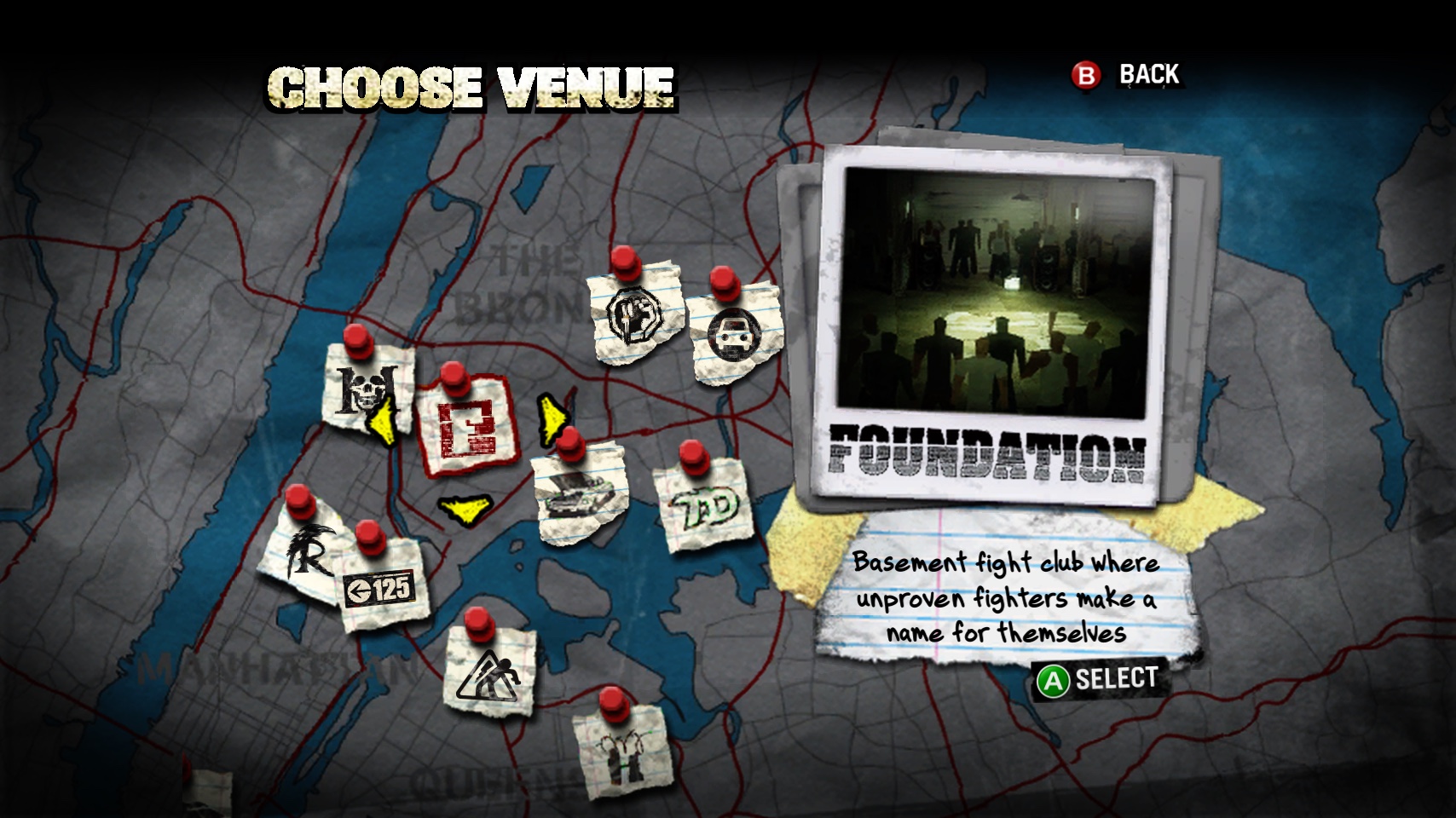
Original on the left. Everything turned up on the right.
Install
Your own USA Xbox disc image (ISO/XISO) or extracted folder, matching the supported dump manifest.
Pick your platform below. The app holds the port's source and tools, never the game.
Choose your copy, then Modern (widescreen at 2×, recommended) or Original (4:3, console look). The app checks your copy and builds the game locally, in several minutes.
Hit Play. New releases show up in the app, and updating keeps your saves, settings and mods.
x64 · Direct3D 11
Download .exeApple Silicon · Vulkan
Download .zipx86-64 · Vulkan
Download .AppImageAlso available on RecompLauncher and Quiver
Allow about 12 GiB of working space plus your copy, and up to 15 GiB more for Upscaled
Original Textures. Each release ships a SHA-256 and provenance file beside every download, and
still carries the older DefJamSetup tools for silent installs. Prefer building by hand? See
Build and play (Windows) or
Build on macOS and Linux.
Mods
The app's Mods page has two tabs. Browse is a curated, signed catalogue. Installed holds everything you have, with one shared load order where later packs win. Nothing downloads or switches on by itself, and an update can be rolled back to the previous version.
Mods today change textures and language. Custom fighters, music, stages and game modes are coming up on the roadmap.
News
Release notes live on GitHub Releases.
Where it's heading
Better performance on low-spec machines, staying current with xboxrecomp and contributing upstream.
Keep the visuals, tone and feel of the original Xbox game.
Above 60 fps without changing game speed or timing. Future work.
Edge cases and broader aspect and venue coverage.
Add your own fighters to the game.
New music, and tracks restored to the game.
Story Fighter customization, plus Stages and Level textures.
Bring the mechanics and story mode from Def Jam: The Takeover into this game.
Custom stages and game modes, difficulty changes and restored cut content.
A long-term stretch goal.
Directions, not promised dates.
FAQ
Yes. You need your own USA Xbox copy, as a disc image (ISO/XISO) or an extracted folder, matching the supported dump manifest. The app checks it before building. PS2 and GameCube copies can't be used.
The project never distributes game files or a compiled game. The app carries the port's source and tools, translates the game code from your copy and compiles it on your computer. Your original copy is left untouched.
The xboxrecomp toolchain translates the Xbox executable into C, compiled ahead of time. The game's code runs on an Xbox compatibility runtime, with graphics, audio and input supplied by your computer. It's a static recompilation, not an emulator.
Supported: Windows x64, Macs with Apple Silicon, x86-64 Linux and the Steam Deck. Performance depends on your hardware, settings and the scene. Intel Macs aren't supported, and running the Windows build under Proton is untested.
Yes, natively. In Desktop Mode, download the AppImage and open it, follow first run, then choose Add to Steam. From then on the game starts from Gaming Mode with its library artwork.
The app isn't code-signed yet, so Windows SmartScreen or macOS Gatekeeper may ask you to confirm. Each release publishes a SHA-256 checksum and provenance file so you can check the download.
No. Up to four players can play locally with gamepads and a keyboard. Network play isn't supported.
Download the app and open it. First run finds an existing installation, or you can point it at one under Use an existing installation. Your saves, settings and mods are kept.
The app checks GitHub for new releases when it starts (you can turn this off) and updates itself. When your game is older than the app, Update game builds it again from your copy in about three to ten minutes. Saves, settings and mods are kept, and the previous version stays playable until the new build is ready. Repair and uninstall are under Help.
All game functionality works, and the port keeps improving based on player feedback. Open bugs are in GitHub Issues, and each release's notes list its known limits.
Start with troubleshooting, then open a GitHub issue with your version, OS, CPU/GPU, controller and the relevant log lines. Please don't attach F9 bug bundles, game files or dumps.
Development happens in the open. Follow along, get setup help, share ideas and talk mods on Discord. File bugs on GitHub so they get tracked.